Buying a laptop under ₹80,000 sounds simple until you start comparing the actual variants. The same laptop name can appear with a different processor, graphics card, display, battery, or RAM configuration, and a good deal can become a poor purchase if the model number is ignored.
This guide focuses on specific configurations that were listed in India when the article was checked on July 29, 2026. It includes gaming laptops, thin-and-light productivity machines, and OLED options, so the right choice depends on what you plan to do with it.
Research disclosure: TechProPoint has not physically tested every laptop in this list. The recommendations are based on official specifications, current brand-store pricing, publicly available product information, and the practical strengths and limitations of each configuration. Prices and stock can change without notice, so verify the exact model number before paying.
Best Laptops Under ₹80,000: Quick Comparison
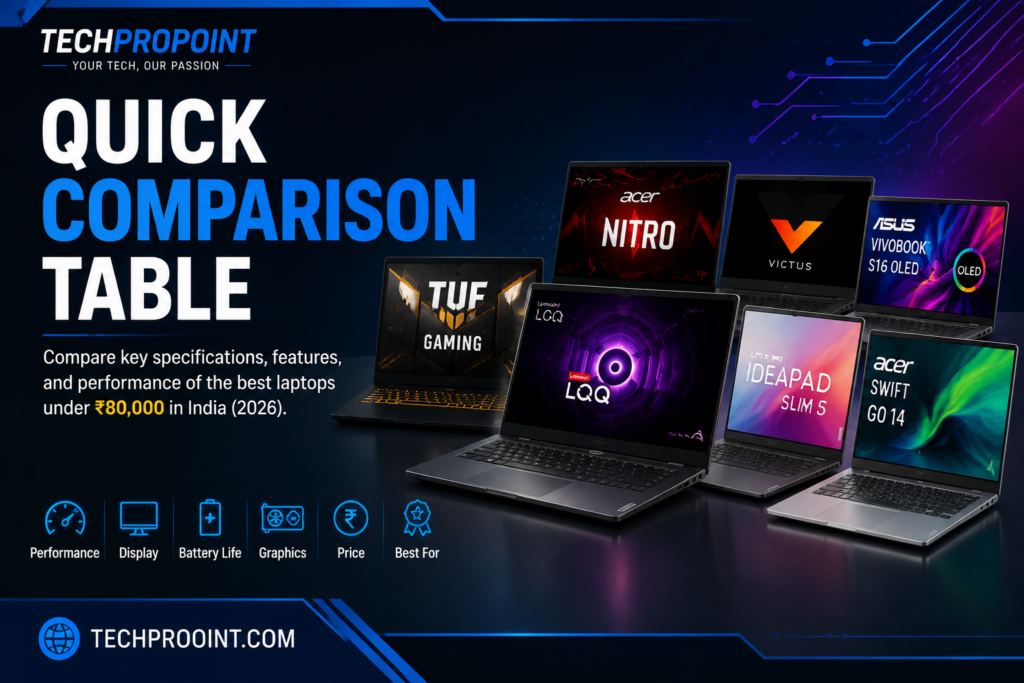
| Laptop and exact variant | Best for | Main hardware | Display | Price position* |
|---|---|---|---|---|
| ASUS TUF Gaming A15 FA506NFR-HN045W | Affordable gaming | Ryzen 7 7435HS, RTX 2050, 16GB RAM, 512GB SSD | 15.6-inch FHD, 144Hz | Usually well below ₹80,000 |
| Lenovo IdeaPad Slim 5i 14IRH10 (83HR009MIN) | Students, coding and office use | Core i5-13420H, 16GB RAM, 512GB SSD | 14-inch WUXGA OLED, 60Hz | Official listing around ₹65,990 |
| ASUS Vivobook S16 S3607QA-SH075WS | Large OLED display and long battery life | Snapdragon X, 16GB RAM, 512GB SSD | 16-inch FHD OLED | Official starting price around ₹69,990 |
| Acer Swift Go 14 SFG14-73T (NX.KSMSI.002) | Premium compact productivity | Core Ultra 5 125H, 16GB RAM, 512GB SSD | 14-inch WUXGA IPS touch, 100% sRGB | Listed at ₹79,999; stock may vary |
| Acer Nitro V 15 ANV15-51 (UN.QNASI.002) | RTX 4050 gaming deal | Core i5-13420H, RTX 4050, 16GB RAM, 512GB SSD | 15.6-inch FHD, 144Hz | Buy only when available at ₹80,000 or less |
*Prices are snapshots, not permanent MRPs. Bank offers, retailer discounts, stock status, and configuration changes can move a laptop in or out of this budget.
1. ASUS TUF Gaming A15 FA506NFR-HN045W — Best Affordable Gaming Laptop
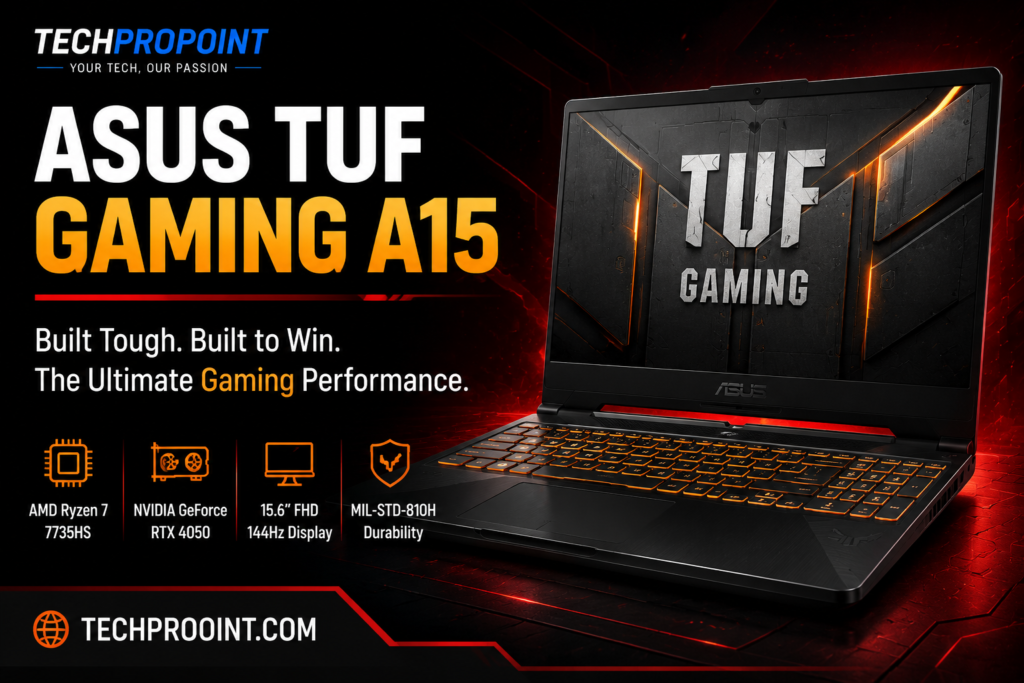
The ASUS TUF Gaming A15 FA506NFR-HN045W is the sensible gaming choice in this list when you want a strong processor, upgradeable memory, and a high-refresh-rate screen without spending the entire ₹80,000 budget.
This particular model combines the AMD Ryzen 7 7435HS with an NVIDIA GeForce RTX 2050 4GB. The GPU is not as fast as an RTX 4050, so this is not the machine to buy for maximum ray tracing or ultra settings in every new AAA game. Its appeal is value: esports games, older AAA titles, coding, college work, Photoshop, and entry-level video editing are realistic workloads for this configuration.
Key specifications
| Model | FA506NFR-HN045W |
| Processor | AMD Ryzen 7 7435HS |
| Graphics | NVIDIA GeForce RTX 2050, 4GB GDDR6 |
| Memory | 16GB DDR5 |
| Storage | 512GB PCIe SSD |
| Display | 15.6-inch Full HD, 144Hz, anti-glare |
| Battery | 48Wh |
| Operating system | Windows 11 Home |
What it is good at
The Ryzen 7 processor gives the TUF A15 enough CPU headroom for programming tools, browser-heavy multitasking, virtual classes, office apps, and creator software. The 144Hz panel also makes games and general navigation feel smoother than a standard 60Hz screen.
Its chassis is larger than a thin-and-light laptop, but that extra space allows better cooling and easier upgrades. For a student who wants one machine for work and gaming, this trade-off can make sense.
What to know before buying
- The RTX 2050 is an entry-level gaming GPU; do not confuse this variant with more expensive RTX 3050, RTX 4050, or RTX 4060 TUF models.
- The 48Wh battery is modest, and gaming should be done with the charger connected.
- The display is smooth, but colour and brightness are not aimed at professional colour-grading work.
Buy it if: You want an affordable gaming laptop with a strong eight-core processor and room for future upgrades.
Skip it if: You specifically need RTX 4050-class graphics, long unplugged battery life, or a creator-grade display.
2. Lenovo IdeaPad Slim 5i 14IRH10 — Best for Students and Professionals
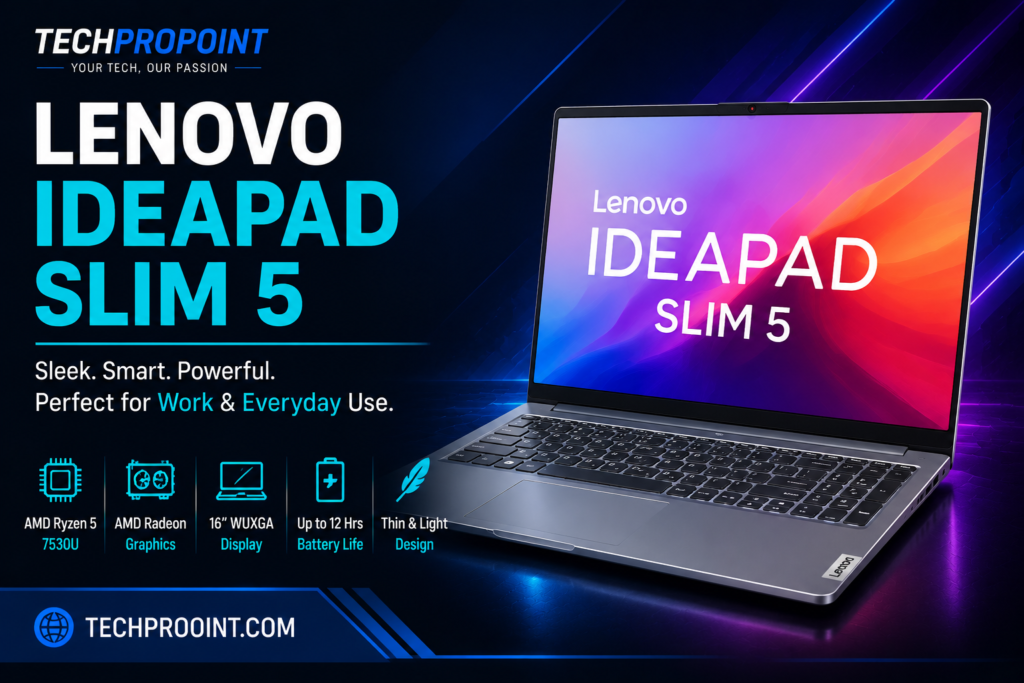
The Lenovo IdeaPad Slim 5i 14IRH10, model 83HR009MIN, is the easiest recommendation here for people who spend most of their time studying, coding, writing, attending meetings, or working in office applications.
Its biggest strength is balance. The Core i5-13420H has enough performance for serious multitasking, while the 14-inch OLED screen makes text, videos, and creative work look noticeably better than a basic budget IPS panel. At about 1.49kg, it is also much easier to carry than a gaming laptop.
Key specifications
| Model | 83HR009MIN |
| Processor | Intel Core i5-13420H |
| Graphics | Integrated Intel UHD Graphics |
| Memory | 16GB DDR5 (2 × 8GB) |
| Storage | 512GB PCIe Gen4 SSD |
| Display | 14-inch WUXGA OLED, 400 nits, 100% DCI-P3, 60Hz |
| Battery | 60Wh |
| Weight | Approximately 1.49kg |
| Official listed price checked | ₹65,990 |
Everyday experience
This configuration is well suited to Visual Studio Code, Microsoft Office, Canva, Figma, browser-based work, online classes, and light photo editing. The H-series processor also gives it more performance than many thin laptops built around low-power U-series chips.
The 16:10 screen shows more vertical content, which is useful while reading documents or working with code. Lenovo also includes a 1080p IR camera, privacy shutter, backlit keyboard, and Office Home 2024 on the listed configuration.
What to know before buying
- Integrated graphics are fine for light games, but this is not a replacement for an RTX gaming laptop.
- The OLED panel is glossy, so reflections may be visible near bright windows.
- Always match the model number, because other IdeaPad Slim 5 versions use different screens, batteries, and processors.
Buy it if: You need a portable Windows laptop for college, coding, office work, and media consumption.
Skip it if: Dedicated graphics or a high-refresh-rate gaming screen is essential.
3. ASUS Vivobook S16 S3607QA — Best Large-Screen OLED Laptop
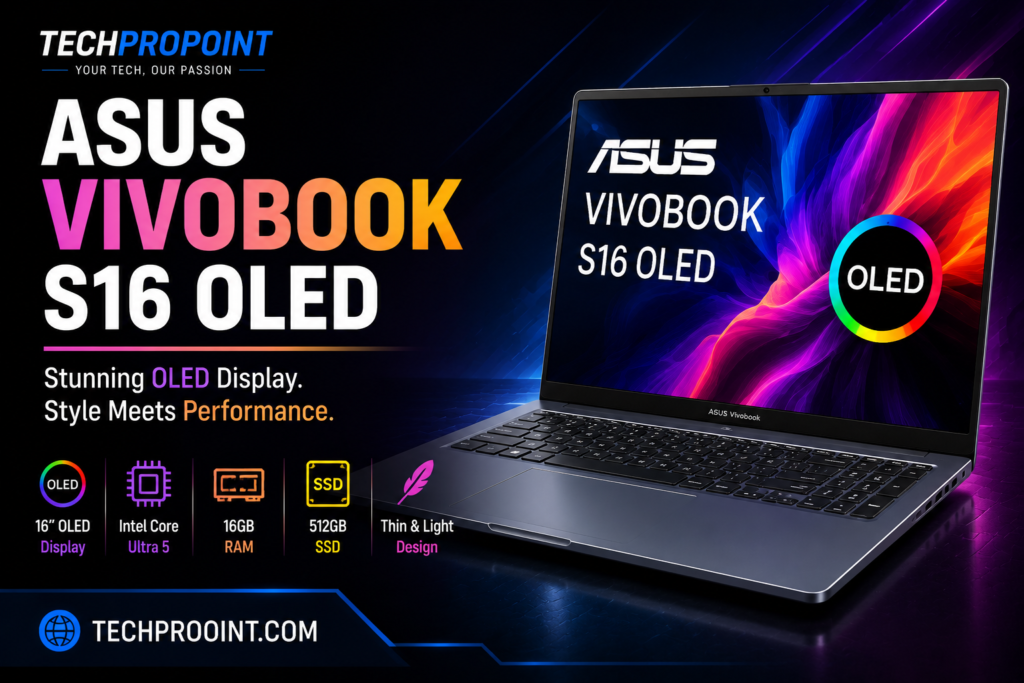
The ASUS Vivobook S16 S3607QA-SH075WS is aimed at buyers who want a spacious OLED screen, a slim body, quiet everyday use, and strong battery efficiency. Its Snapdragon X processor makes it different from a conventional Intel or AMD Windows laptop.
For web browsing, documents, streaming, video calls, and common productivity apps, the experience should be smooth and efficient. The 16-inch OLED panel is the main attraction: it gives you a large workspace without moving to a heavy gaming machine.
Key specifications
| Model | S3607QA-SH075WS |
| Processor | Qualcomm Snapdragon X |
| Graphics | Qualcomm Adreno integrated GPU |
| Memory | 16GB |
| Storage | 512GB PCIe SSD |
| Display | 16-inch FHD+ OLED, 16:10 |
| Battery | 70Wh |
| Weight | Approximately 1.67kg |
| Official starting price checked | ₹69,990 |
Why it stands out
A 16-inch OLED screen at this price is useful for split-screen work, movies, long documents, and anyone who simply finds a 14-inch display cramped. The 70Wh battery is also generous for a slim productivity laptop.
The Snapdragon platform can offer quiet operation and good standby efficiency. It is a better match for office and everyday workloads than for people buying a laptop mainly for PC gaming.
Check app compatibility first
This is a Windows-on-ARM laptop. Many popular apps work natively or through emulation, but specialised software, older drivers, certain plugins, and some games may not behave exactly as they do on an Intel or AMD system. Check the applications and peripherals you rely on before ordering.
Buy it if: You want a large OLED display, long battery potential, and a light machine for everyday productivity.
Skip it if: Your work depends on niche Windows software, x86-only drivers, or regular PC gaming.
4. Acer Swift Go 14 SFG14-73T — Best Premium Compact Laptop
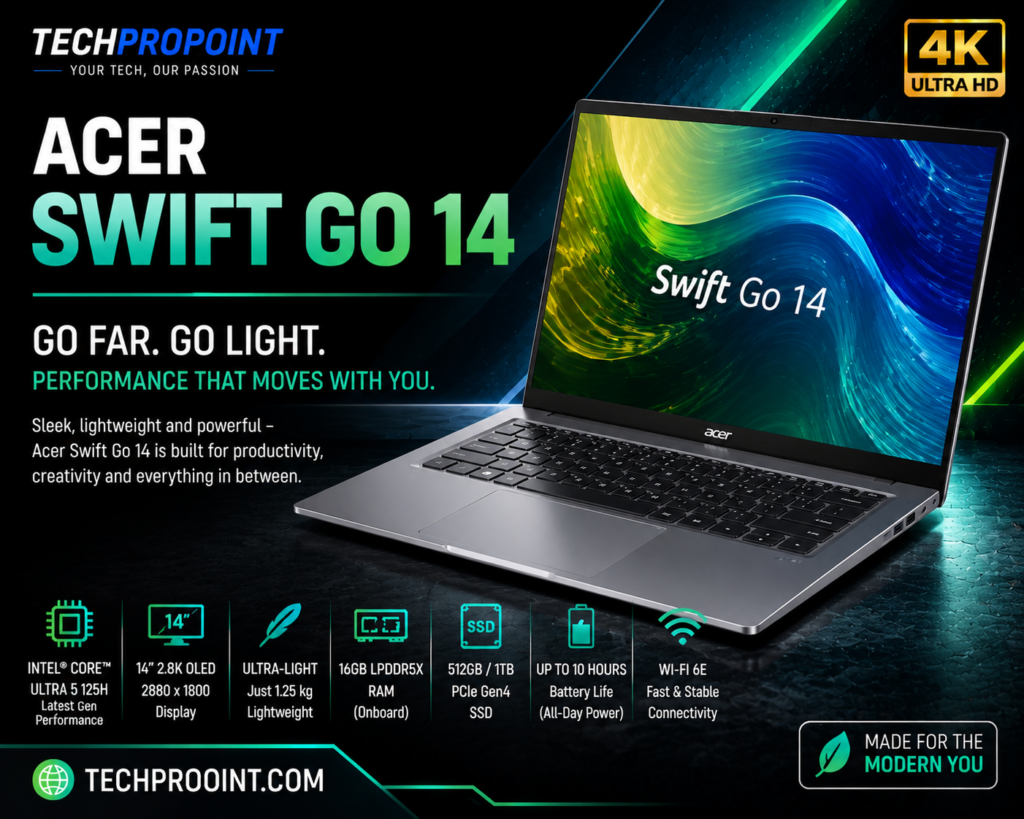
The Acer Swift Go 14 SFG14-73T, reference NX.KSMSI.002, is the premium portable pick. It combines a Core Ultra 5 processor, 16GB of fast onboard memory, a colour-accurate touch display, and a body that weighs about 1.3kg.
This is the kind of laptop that suits frequent travellers, business users, programmers, and students who carry their machine every day. The screen is IPS rather than OLED, but it offers 400-nit brightness, touch support, a 16:10 aspect ratio, and 100% sRGB coverage.
Key specifications
| Model | SFG14-73T, NX.KSMSI.002 |
| Processor | Intel Core Ultra 5 125H |
| Graphics | Integrated Intel Arc Graphics |
| Memory | 16GB LPDDR5X |
| Storage | 512GB PCIe Gen4 SSD |
| Display | 14-inch WUXGA IPS touch, 400 nits, 100% sRGB |
| Weight | Approximately 1.3kg |
| Official listed price checked | ₹79,999 |
Who should choose it?
Choose the Swift Go 14 when portability matters as much as performance. The Core Ultra 5 125H is capable of handling demanding office workloads, large browser sessions, programming, and moderate creative work. The screen is also a better fit for colour-sensitive everyday tasks than a typical 45% NTSC budget panel.
Limitations
- The RAM is onboard, so it is not intended for future memory upgrades.
- Integrated graphics are not meant for heavy AAA gaming.
- The official listing was marked out of stock when checked, so availability may be the deciding factor.
Buy it if: You want a light, premium-feeling Windows laptop with a bright touch display.
Skip it if: You need upgradeable RAM or dedicated NVIDIA graphics.
5. Acer Nitro V 15 ANV15-51 — Best RTX 4050 Deal When It Drops Below ₹80,000
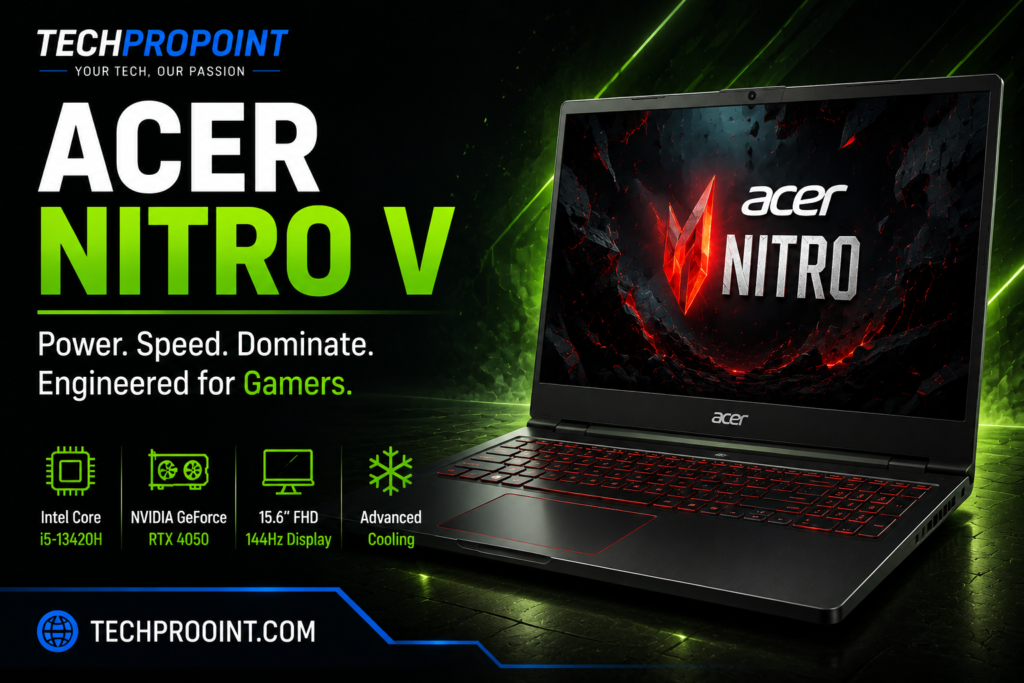
The Acer Nitro V 15 ANV15-51, model UN.QNASI.002, is included as a deal pick rather than a guaranteed in-stock recommendation. Price trackers showed it at ₹79,999, with a lower point of ₹69,990 earlier in July 2026, but the listing was out of stock when checked.
Its main advantage is the RTX 4050 6GB. When this exact configuration is available within budget, it offers a clear graphics-performance step up from the RTX 2050 TUF model. That matters for newer games, GPU-accelerated editing, Blender, and other workloads that benefit from more capable NVIDIA hardware.
Target configuration
| Model | ANV15-51, UN.QNASI.002 |
| Processor | Intel Core i5-13420H |
| Graphics | NVIDIA GeForce RTX 4050, 6GB |
| Memory | 16GB |
| Storage | 512GB SSD |
| Display | 15.6-inch Full HD, 144Hz |
| Buy price | ₹80,000 or less |
Do not buy a similarly named Nitro V without checking the suffix. Acer sells several ANV15 configurations, and the processor, GPU, refresh rate, and price can differ substantially.
Buy it if: The exact RTX 4050 model is in stock at ₹80,000 or less and gaming performance is your main priority.
Skip it if: The price has moved above budget, the retailer does not show a clear model number, or you need long battery life.
Laptops Removed from the Main List
The Lenovo LOQ 15AHP9 83DX00CSIN is a capable Ryzen 7 8845HS and RTX 4050 machine, but Lenovo’s official listing showed a price of ₹95,991 when checked. The current HP Victus 15 RTX 3050 listings on HP India also started above ₹80,000. Both may become relevant during a major sale, but placing them in a strict under-₹80,000 list at their current official prices would be misleading.

How to Choose the Right Laptop Under ₹80,000
Choose the GPU according to your actual work
A dedicated GPU is worth paying for when gaming, 3D work, GPU rendering, or heavier video editing is a regular part of your routine. For documents, coding, meetings, web work, and media consumption, integrated graphics are usually enough and allow a lighter laptop with better battery efficiency.
Do not buy by family name alone
Names such as TUF A15, Nitro V, IdeaPad Slim 5, and Vivobook S16 cover several configurations. Copy the full model number from the product page and match it against the processor, graphics, display, RAM, and storage before completing the order.
Check display quality, not only resolution
Two Full HD screens can look very different. Brightness, colour gamut, refresh rate, panel type, and aspect ratio affect the experience more than the resolution alone. Gamers benefit from 144Hz or faster panels, while creators and media users may prefer OLED or a screen with full sRGB/DCI-P3 coverage.
Plan for RAM and storage
For a new laptop in this budget, 16GB RAM and a 512GB SSD should be the practical starting point. Check whether the RAM is soldered and whether a second SSD slot is available. Upgradeability matters more on gaming laptops, while thin-and-light models often trade upgrade options for a smaller body.
Which One Should You Buy?
- For affordable gaming: ASUS TUF Gaming A15 FA506NFR-HN045W.
- For college, coding and office use: Lenovo IdeaPad Slim 5i 14IRH10, model 83HR009MIN.
- For a large OLED screen and battery-focused productivity: ASUS Vivobook S16 S3607QA-SH075WS, after checking app compatibility.
- For a premium, lightweight Windows laptop: Acer Swift Go 14 SFG14-73T.
- For the strongest gaming deal: Acer Nitro V ANV15-51 UN.QNASI.002, but only when the RTX 4050 variant is available at ₹80,000 or less.
Frequently Asked Questions
Which is the best laptop under ₹80,000 for gaming?
The Acer Nitro V RTX 4050 configuration is the stronger gaming option when the exact model is available within budget. If it is unavailable or overpriced, the ASUS TUF Gaming A15 RTX 2050 model is a more affordable alternative, though its GPU is slower.
Which laptop is best for students and coding?
The Lenovo IdeaPad Slim 5i 14IRH10 is the most balanced choice for students, coding, office work, and daily travel. It combines a capable H-series processor, 16GB RAM, an OLED screen, and a portable design.
Is a Snapdragon Windows laptop safe to buy?
It can be a good choice for common productivity apps, browsing, streaming, and battery-focused use. Buyers who depend on specialised Windows software, older accessories, game anti-cheat systems, or niche drivers should verify compatibility first.
Is 16GB RAM enough in 2026?
Yes, 16GB is enough for most students, professionals, programmers, gamers, and casual creators. Heavy virtual-machine use, large 4K editing projects, or demanding 3D workflows may benefit from 32GB.
Should I wait for a sale?
Waiting makes sense for gaming laptops because RTX models often move across the ₹80,000 line during bank offers and major sales. Save the exact model number and compare the final checkout price rather than relying on a headline discount.
Final Verdict
There is no single winner for every buyer. The ASUS TUF Gaming A15 is the affordable gaming pick, the Lenovo IdeaPad Slim 5i is the safest all-round productivity choice, the ASUS Vivobook S16 suits buyers who want a large OLED screen, and the Acer Swift Go 14 is the premium portable option.
The Acer Nitro V becomes the most attractive gaming buy only when the exact RTX 4050 configuration drops to ₹80,000 or less. That price discipline matters: a laptop can be a strong product and still be a poor fit for an under-₹80,000 guide when its current listing moves above the limit.
Official and Reference Sources
- ASUS TUF Gaming A15 official product page
- Lenovo IdeaPad Slim 5i 14IRH10 official listing
- ASUS Vivobook S16 S3607QA official listing
- Acer Swift Go 14 official listing
- Lenovo LOQ 15AHP9 official listing used for price comparison
- HP Victus official India listings used for price comparison